How It Works

Three simple steps from document to structured data — no setup required.

1

Upload your Document

Send any PDF, image, or scan via our REST API or drag-and-drop in the web app.

2

AI Extracts the Data

Our artificial intelligence and machine learning models read and understand the document — no templates or pre-training needed.

3

Get Structured Data

Receive all extracted fields — clean and ready to use.

  • Via API as structured JSON
  • Or visually in the Dashboard

Try It Live — No Sign-Up Needed

Explore our live demo at your own pace. Experience our product's full capabilities on your schedule, without any pressure. Our team is here if you'd like personalized guidance, but the choice is yours. We believe in empowering you to make informed decisions comfortably.
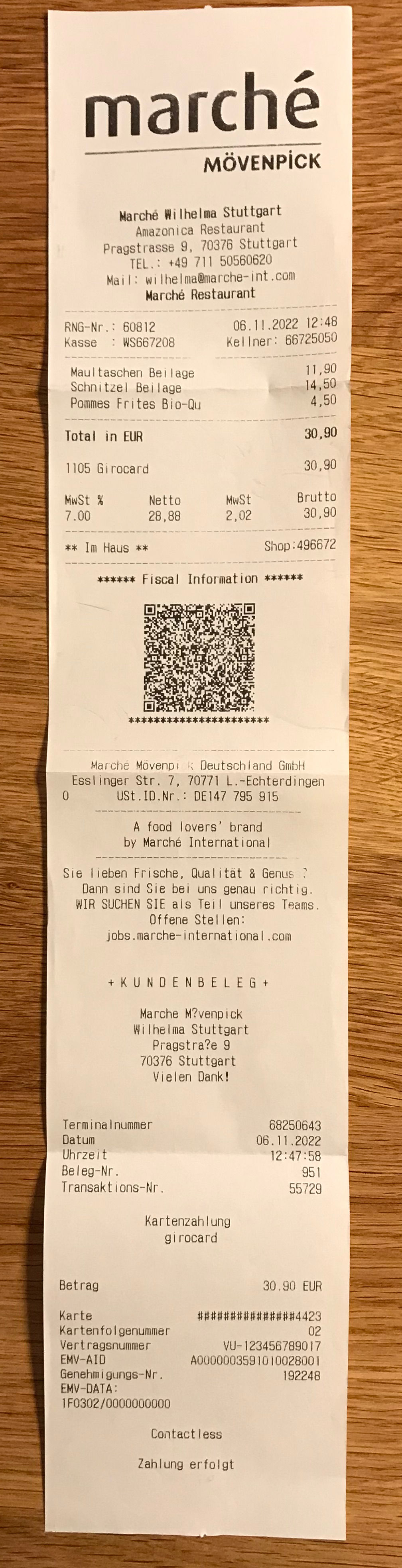
Your uploaded receipt/invoice
Drop a receipt/invoice image here to test or click to select a receipt/invoice from your drive.
Your uploaded receipt/invoice
Extracted data

Extracted results can be continuously improved with every feedback from you to our AI engine.

Loading...
Loading ...

Line Items

Loading ...

Tax Information

Loading ...

No data yet, please upload a receipt
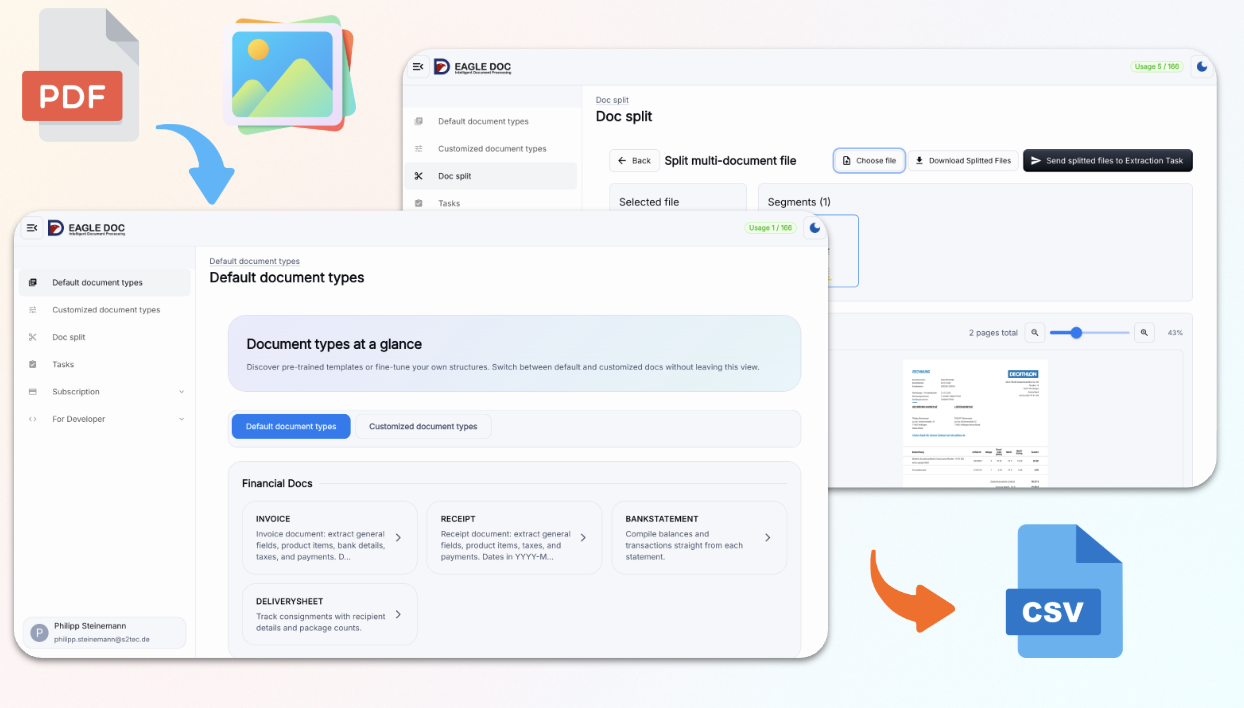
Prefer No Code? Use the Dashboard

The Eagle Doc web app gives you a full document management interface — no API, no scripts, no setup required.

  • Drag & drop documents directly in the browser
  • Export extracted data to Excel or CSV
  • Split multi-page PDFs into separate documents
  • Perfect for accounting prep and bookkeeping workflows
Eagle Doc Dashboard — document management web interface

Instant Learning with RAGs

LLMs are powerful, but your documents have their own rules. RAGs let you teach Eagle Doc exactly what you want — and they apply to your very next document. No server updates, no retraining, unlimited RAGs.

1

When You Need One

Should ProductName include descriptions or quantities? Which of several reference numbers counts? Is TotalPrice the real cost of the goods — or the amount to be paid? What if the invoice date is never labelled "Invoice Date"? When the generic answer isn't your answer, add a RAG.

2

How You Add It

Right in the dashboard: attach a RAG to documents matching specific keys — for invoices, typically the supplier's name and city, because one supplier keeps one layout. No code, no support tickets.

3

What Happens Next

Your rules apply to the very next matching document — real instant learning. With RAGs in place, extraction accuracy on recurring documents approaches 100%.

Multiple Businesses, Multiple Users

Manage many businesses or clients — and the people who run them — from one account.

Your Documents, Your Data

EU-hosted, encrypted in transit, GDPR-compliant — and never used to train our models. Here is exactly what we store, and what we don't:

An API for Every Document

Specialized endpoints for invoices, receipts, and bank statements — and the Any Document Parser with custom field extraction for everything else.

Document Types Supported by Eagle Doc

Digitize, extract and convert data from invoices, receipts, bank statements, passports, resumes, and any other document type. Our AI handles structured and unstructured documents across 40+ languages — no templates required.

bank statement scanner, bank statement parser, bank statement OCR

Bank Statements

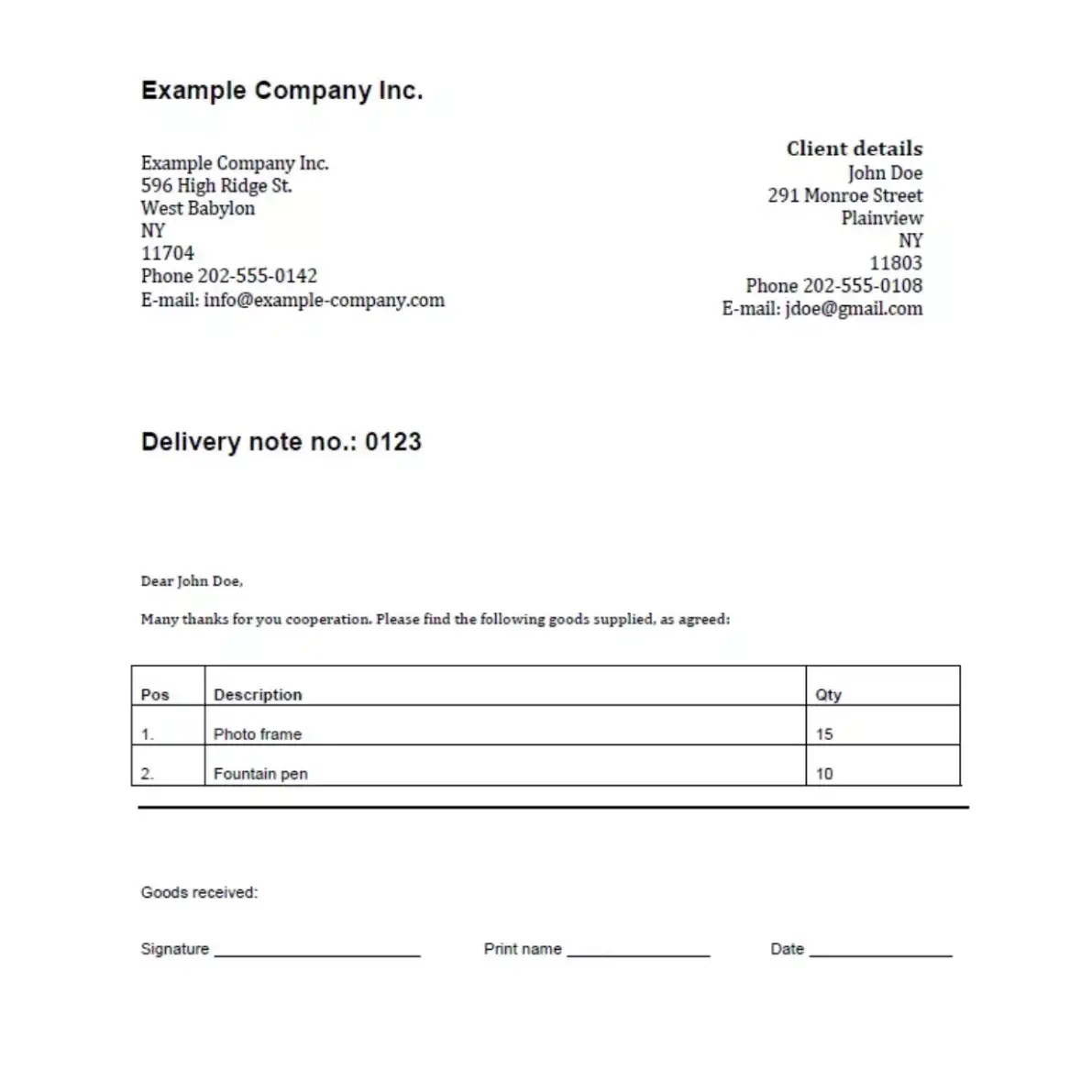
delivery sheet scanner, delivery sheet parser, delivery sheet OCR

Delivery Sheets

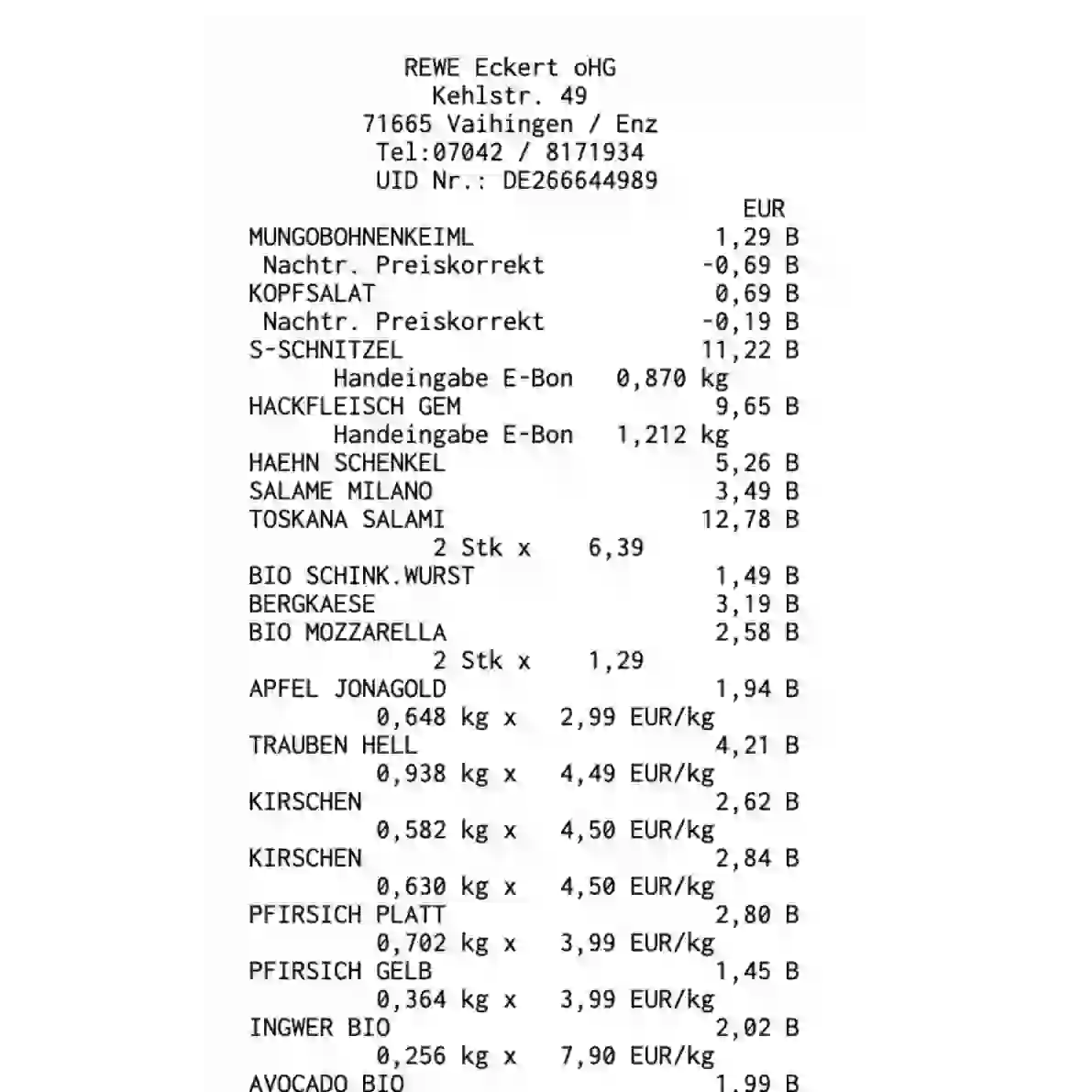
receipt scanner, receipt parser, receipt OCR

Receipts

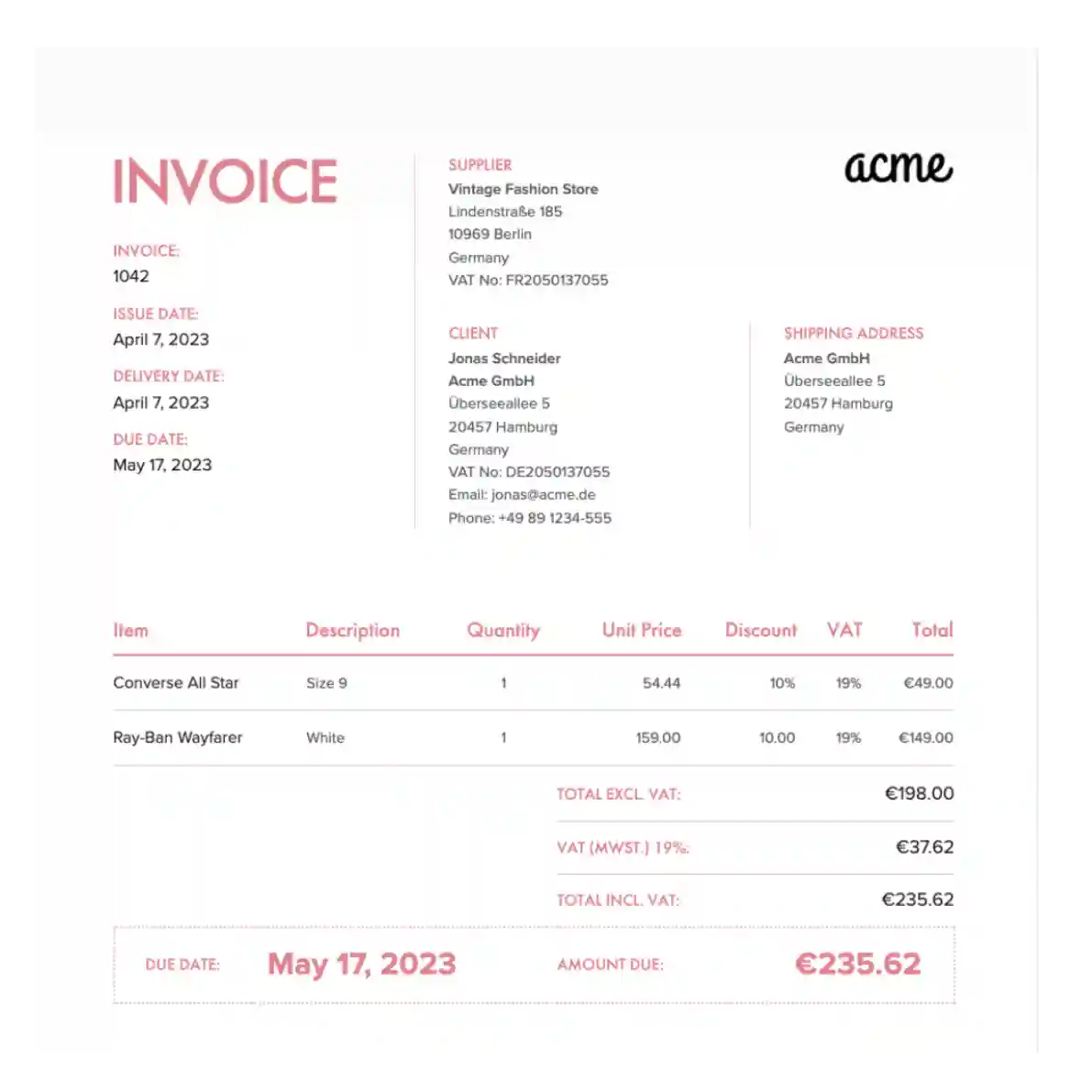
invoice scanner, invoice parser, invoice OCR

Invoices

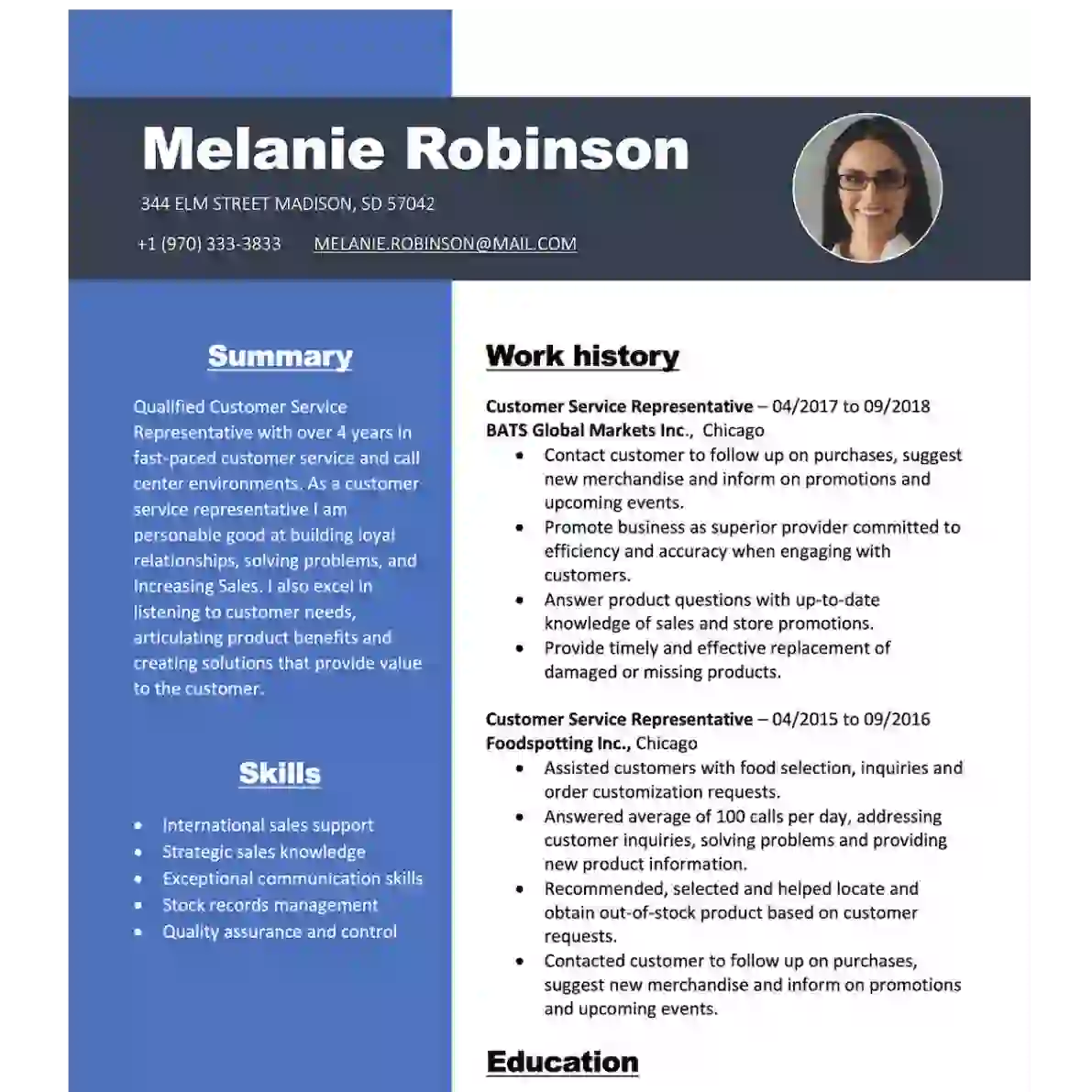
resume scanner, resume parser, resume OCR

Resumes

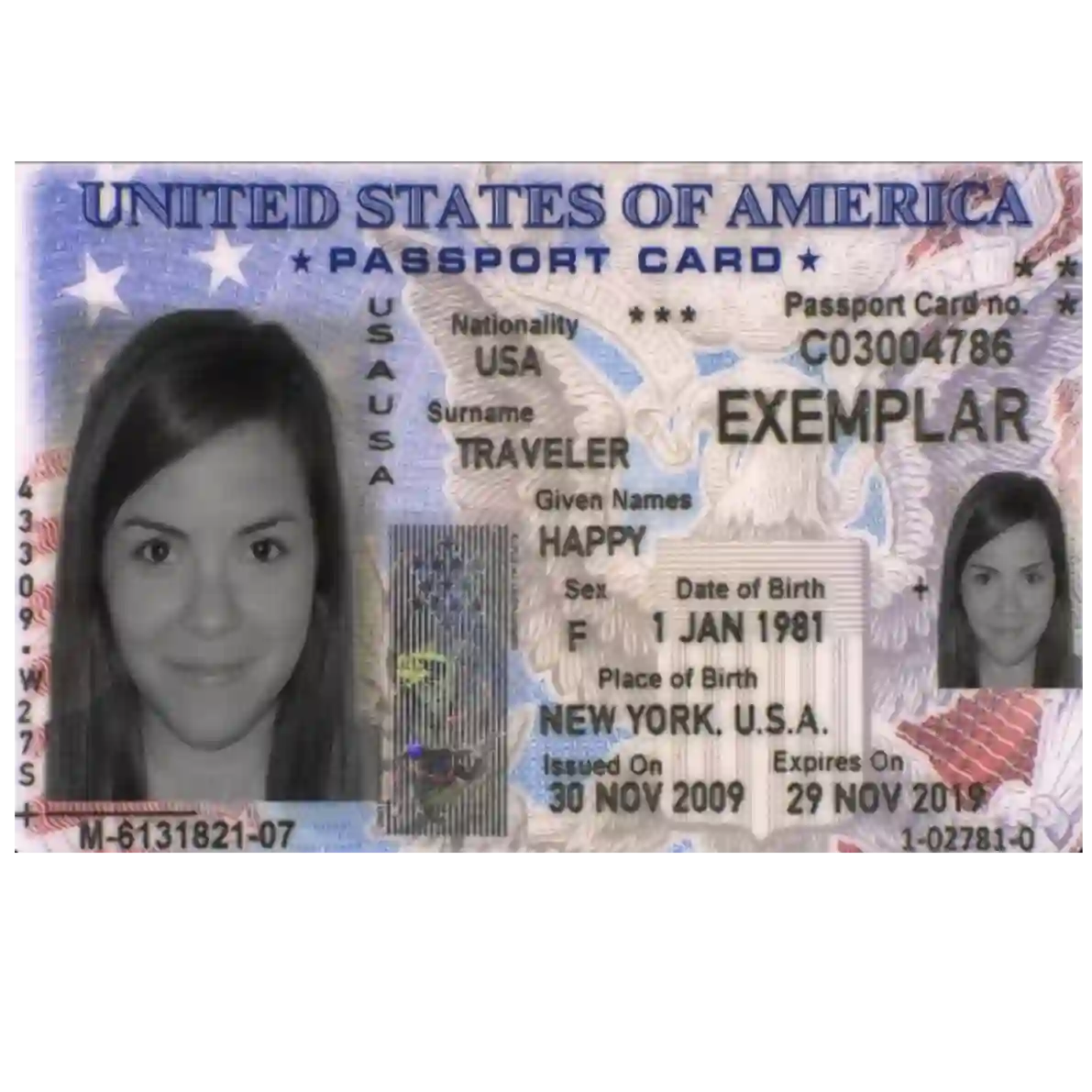
passport scanner, passport parser, passport OCR

Passports

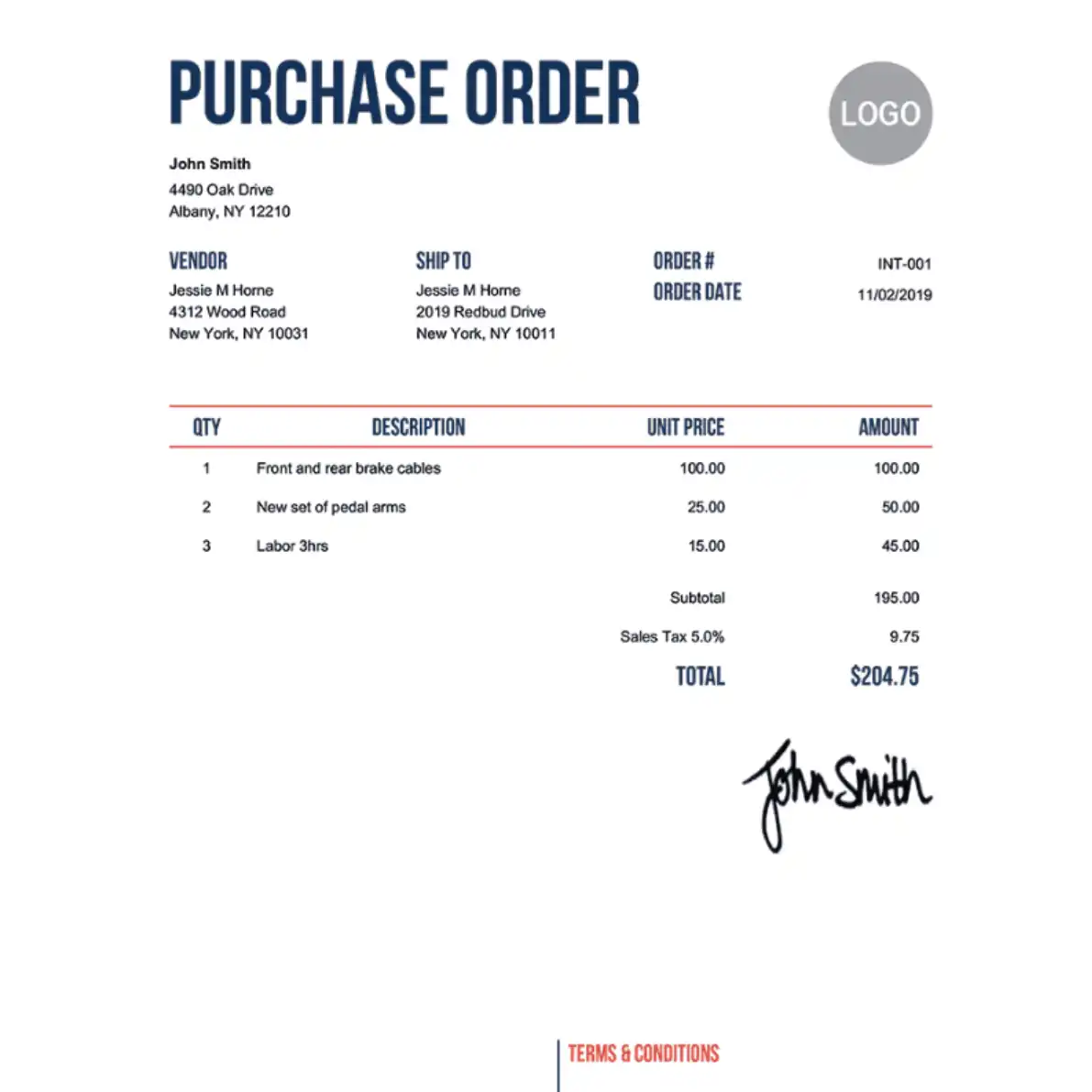
purchase order scanner, purchase order parser, purchase order OCR

Purchase Orders

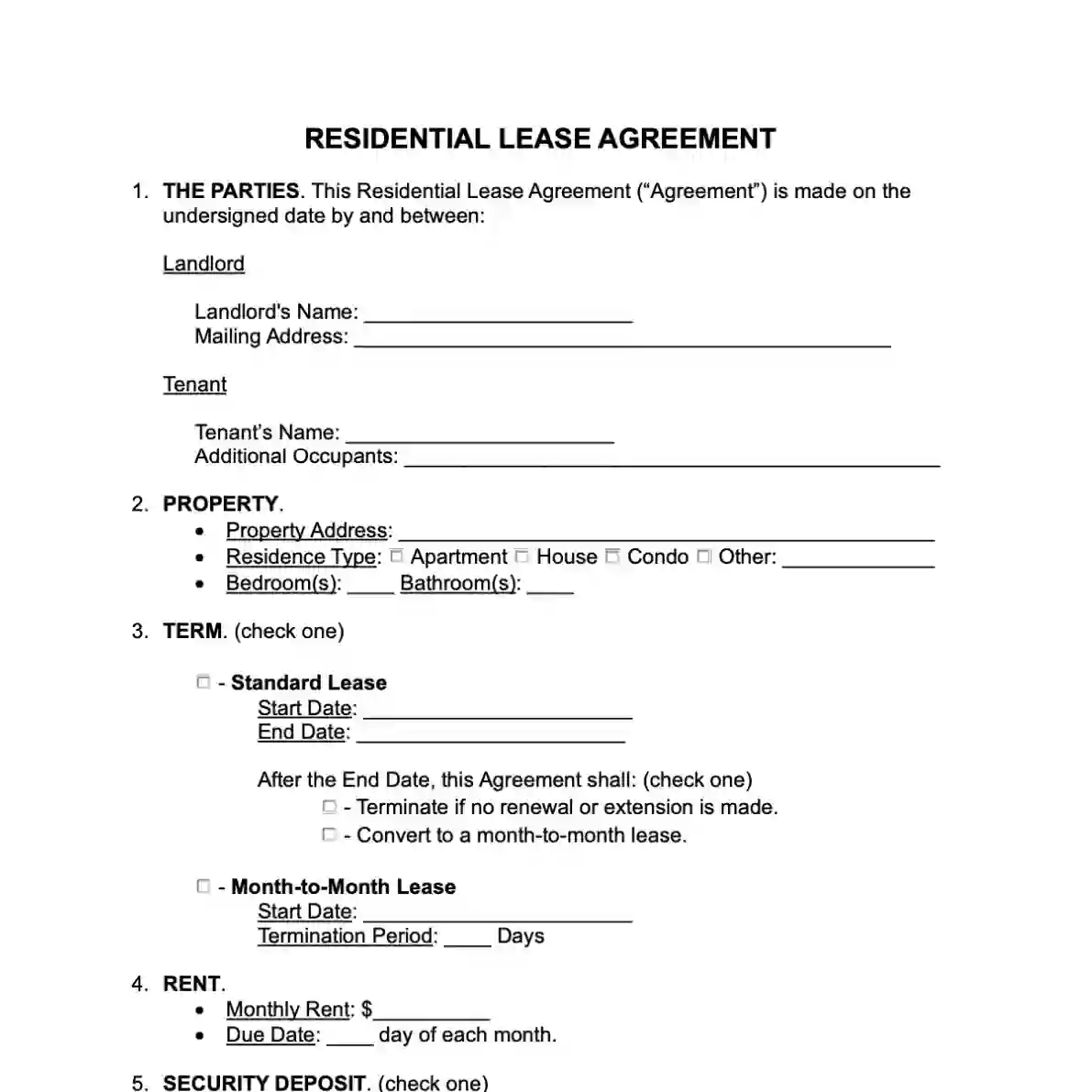
contract scanner, contract parser, contract OCR

Contracts

Customisable OCR for any document type

Any Document type...

Why Developers & Businesses Choose Eagle Doc

From integration simplicity to GDPR compliance — everything you need to process documents at scale.

Easy to use

One API endpoint, one JSON response. Integrate document extraction and automation into any app in minutes with our REST API, SDKs for Python and Node.js, and interactive API docs with live examples.

High Accuracy and Speed

Our algorithm combines real-time processing speed and accuracy. Even in challenging scenarios like wrinkled receipts / invoices or low light conditions we reach good results. Average processing time per page is under 5 seconds.

Affordable

Free tier includes 20 pages/month, perfect for testing and small projects. For higher volumes, our pricing is transparent and competitive, with no hidden fees. Contact us for custom enterprise plans.

Multi Language

Our multilingual service offers comprehensive language support, including German, English, French, Italian, Chinese, Japanese, and more. See the documentation for a full list. If you have a specific language requirement that is not currently supported, please reach out to us, and we will be happy to assist you.

Customized Solutions

We understand that a "one size fits all" solution may not meet everyone's needs. If you have specific requirements such as exclusive servers, dedicated server regions, data privacy constraints, or need guidance to overcome your unique challenges, please don't hesitate to contact us.

GDPR-Compliant & EU-Hosted

Zero data retention on the APIs — documents are processed and never stored. Dashboard uploads live in EU data centers, encrypted in transit, fully GDPR-compliant, and your data is never used for training.

Built for Developers

One API call is all it takes. Integrate document extraction into your app in minutes, not days.


curl --location --request POST 'https://de.eagle-doc.com/api/invoice/v1/processing' \
--header 'api-key: YOUR_SECRET_API_KEY' \
--form 'file=@"invoice.jpg"'
import requests

url = "https://de.eagle-doc.com/api/invoice/v1/processing"

payload = {}
files=[
('file',('invoice.jpg',open('invoice.jpg','rb'),'image/jpeg'))
]
headers = {
    'api-key': 'YOUR_SECRET_API_KEY'
}

response = requests.request("POST", url, headers=headers, data=payload, files=files)

print(response.text)
JSON Response
{
    "docType": "Invoice",
    "general": {
        "ShopName": {
            "value": "Blühendes Barock Gartenschau Ludwigsburg GmbH",
        },
        "ShopStreet": {
            "value": "Mömpelgardstraße 28",
        },
        "ShopCity": {
            "value": "Ludwigsburg",
        },
        ...
        "TotalPrice": {
            "value": "34.0",
        },
        "TaxAmount": {
            "value": "5.43",
        },
        "TaxGrossAmount": {
            "value": "34.0",
        },
        ....
                        

Two Ways to Use Document AI

Integrate the APIs into your own systems, or work in the dashboard without writing a line of code.

No credit card required

Start building for free

Get started in minutes — no commitment, no setup fees.

20 pages/month free Enough to test every API endpoint
APIs for any document type Invoices, receipts, bank statements & more
Upgrade anytime Scale as you grow — flexible plans
See pricing plans

Need high volume or a custom plan? Contact us